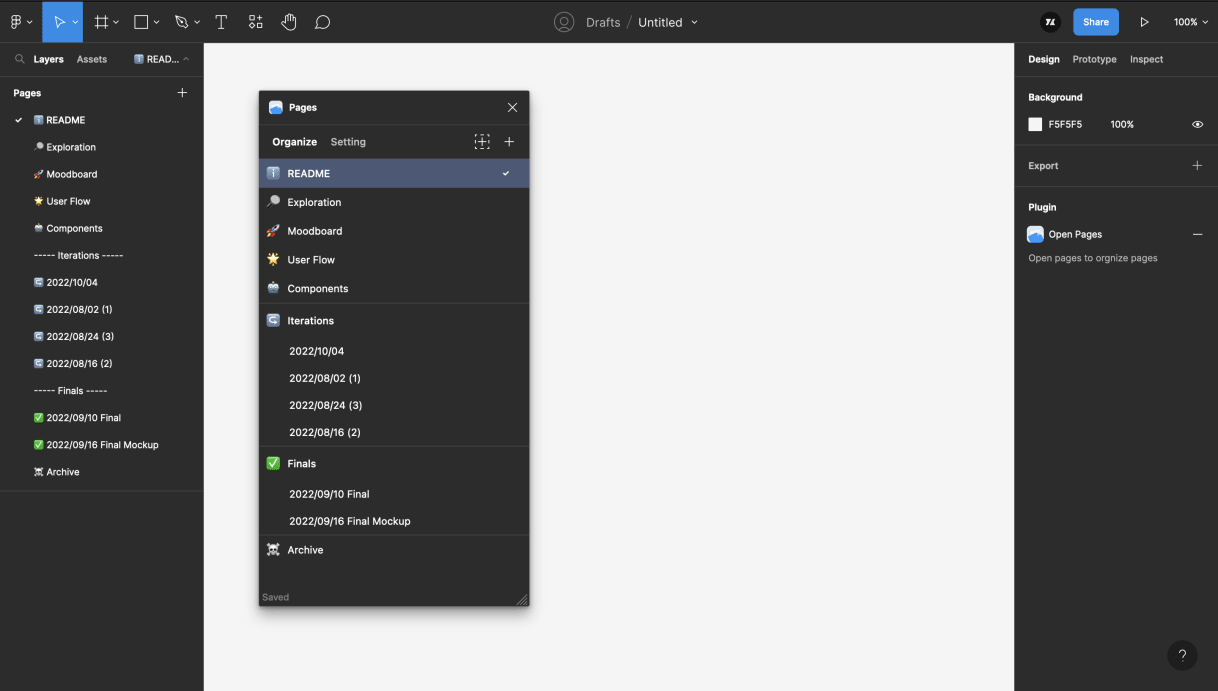
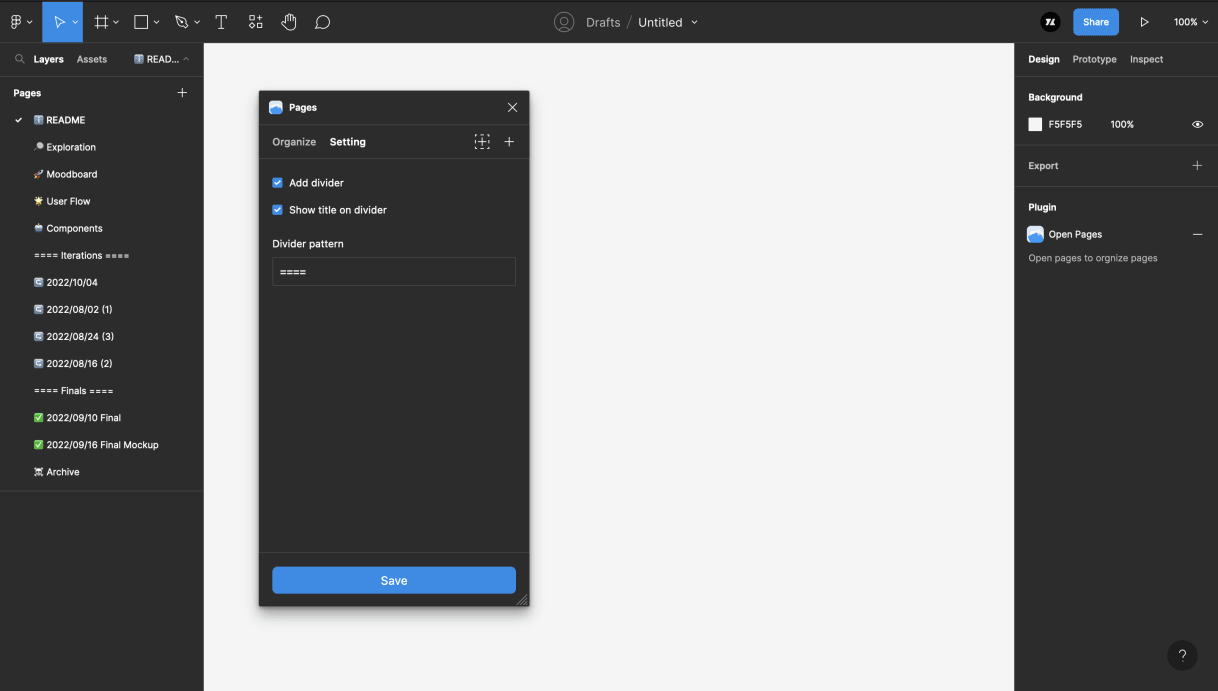
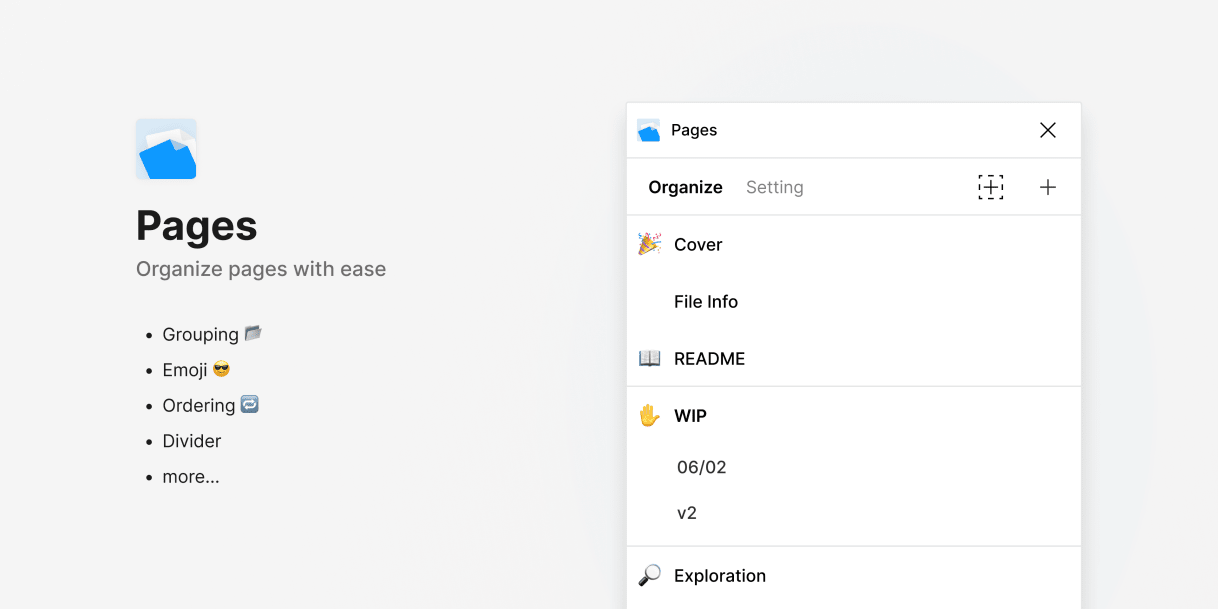
Pages is a Figma plugin to make page organization in design files easier. It can group pages like folders and make them more identifiable with emoji tags. This is also a learning project for Figma's plugin API and Svelte.
- Impact
- 6.1k+ users
- 600+ saves
- Online
- May, 2022
- URL
- View on Figma
- Uses
- Figma API, Svelte, Rollup, TailwindCSS
Context
I ran into this personally working on multi-page files. When a file grows past 10 pages across different flows or states, a flat list becomes hard to navigate visually. The same frustration was visible in the Figma community. Pages offers a simple solution with folder-like grouping and emoji tagging — keeping organization inside Figma rather than building around it.
Key decisions
- Figma-familiar UI patterns — tabs, buttons, and context menus reference Figma's own component language to reduce the learning curve
- Calmer visual style — Figma's UI is vibrant and dynamic; Pages uses a minimal, neutral palette to feel like a focused utility, not competing with Figma's chrome
- Logo as the one departure — a small expression of personality within an otherwise system-adjacent aesthetic
Technical decisions
Debounced sync over silent background sync
When a user reorders or renames a page, the smoothest option would be syncing silently in the background — users never see a loading state and get a more responsive experience. I chose to debounce instead, showing a brief sync acknowledgment after changes settle. Transparency over seamlessness: users can see their changes are saved rather than trusting an invisible process.
Full document state on each sync
The current implementation maintains a complete client-side copy of all pages in the file. Any change triggers processing of the full page list on Figma's side — checking for creates, deletes, and reorders — then sends the full state back to the UI layer. A more efficient approach would sync only the changed pages. This is a known limitation: delta-sync was beyond my technical reach at the time, and the full-state approach works reliably within typical file sizes.
Impact
- 6.1k+ users and 600+ saves, grown organically through Figma's plugin community
- Built and maintained solo — design, implementation, and iteration